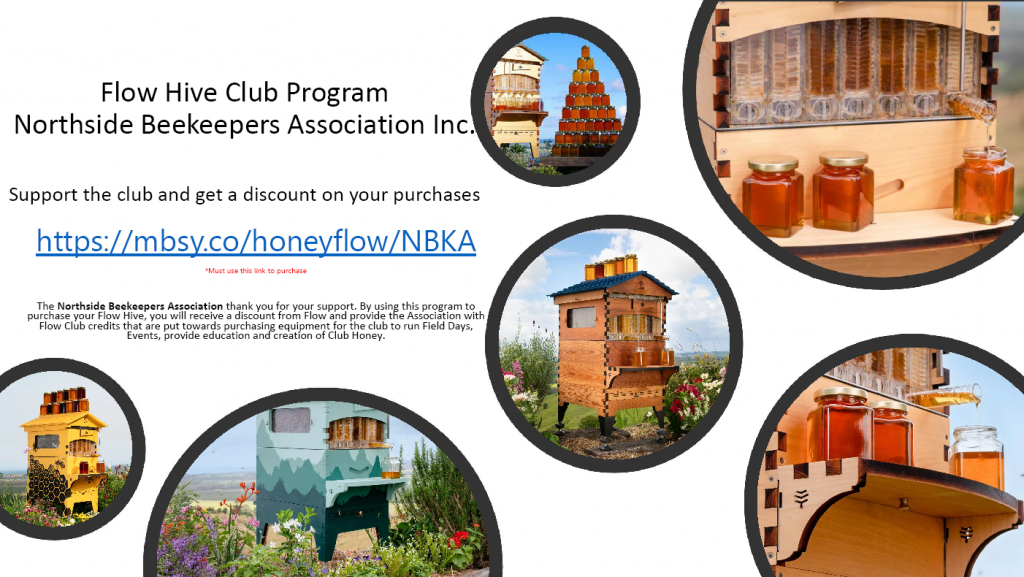
Flow Hive Club Program
Northside Beekeepers Association Inc.
Coupon / Discount Code
The Northside Beekeepers Association is associated with the Flow Hive Club program to provide beekeepers wanting to purchase a Flow Hive a discount code to reduce the cost of buying a Flow hive. Using this Flow Hive discount code / Flow Hive coupon code will provide the purchaser a discount of 8% off when buying the Flow Hive.
This also in turn supports the Northside Beekeepers Association and provide Flow credits that can be used to acquire Beekeeping recourses to continue to support the community and members in education of Beekeeping practices. So, become a member to access your discount now and support the club when you buy your Flow hive.
Once you are a member, access the NBKA private FaceBook site and get the link from the Files section
To access your Flow Hive discount, follow the following steps:
Step 6. You discount code will be shown.Valid for 30 days.
Step 7. Go to the Flow Hive shop and select the product you want to buy.
Step 8. After you click onCHECK OUToption to buy the product. There is there is a “Gift Card or Discount Code” field. Add your code to this and apply it.
Step 9. Check that the discount has been applied correctly and you can then complete the process.
If the discount has not been applied, please contact us.